Team Suite HQ · Features
Add the software you already pay for
Add anything with a web address, like your CRM, your bank or your booking system, and put it in the right department.
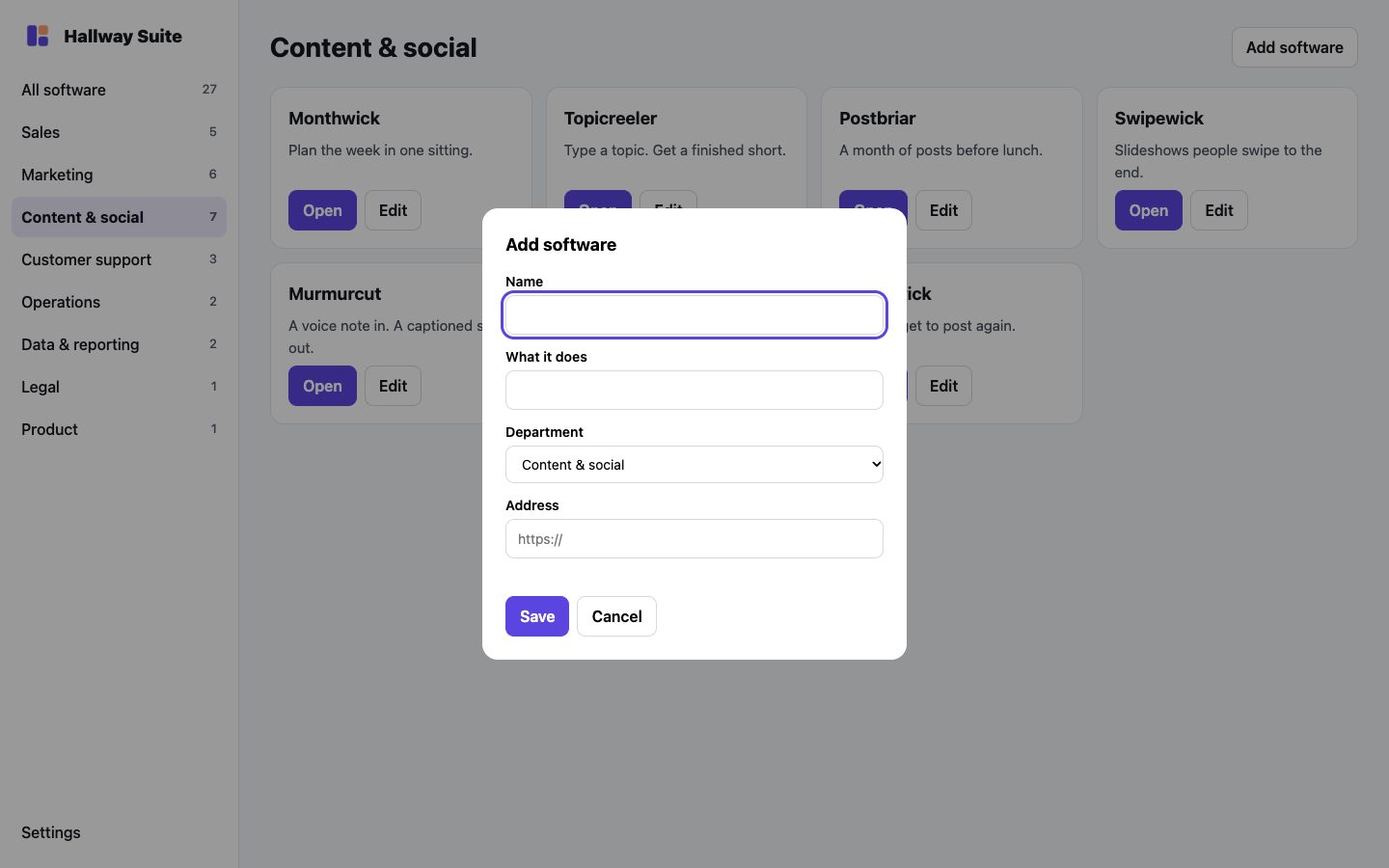
A real screen of Team Suite HQ, with sample data.
Add anything with a web address: your CRM, your booking system, your bank. Give it a name, a line on what it does and a department.
It shows up next to everything else, and only you see it.
- Name, what it does, department, address
- Edit or remove any time
- Only you see what you add
How to use it
- Press Add software.
- Fill in the name, what it does, department and address.
- Press Save.
More in Team Suite HQ
All the software in one place
Every product in the membership on one page, by department, each with a line on what it does. Press Open and it starts in a new tab.
Departments
Pick a department on the left and see only what belongs to it: everything for sales, or everything for content.
Your own departments
Add your own departments, like Finance or Hiring, and file your software under them.