Team Suite HQ · Features
All the software, one screen
Every product in the membership on one page, by department, each with a line on what it does. Press Open and it starts in a new tab.
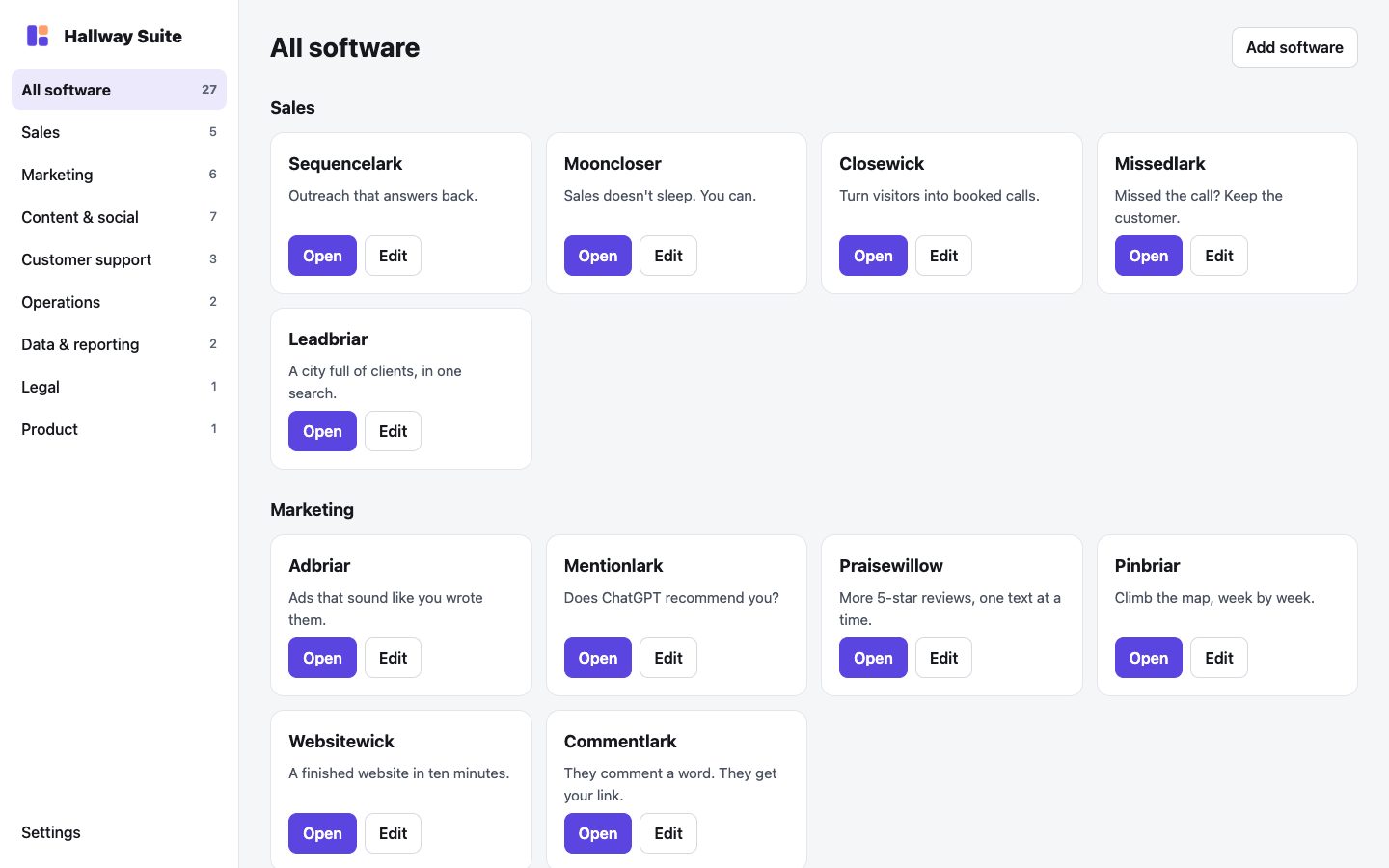
A real screen of Team Suite HQ, with sample data.
Every product in the membership is on one page, sorted by department, with one line on what each does. Press Open and it starts in a new tab, on its own page and with its own login.
The count next to each department tells you what's there before you click.
- 27 products, 8 departments
- One login for all of it
- Open any of them in one click
How to use it
- Open Team Suite HQ.
- Find the product.
- Press Open.
More in Team Suite HQ
Departments
Pick a department on the left and see only what belongs to it: everything for sales, or everything for content.
Add your own software
Add anything with a web address, like your CRM, your bank or your booking system, and put it in the right department.
Your own departments
Add your own departments, like Finance or Hiring, and file your software under them.